📘 Introduction
Access control is an important part of every analytics project. Not every role should be able to query every model in your warehouse.
We use the same dlnerds_university Medallion Architecture example project from previous dbt posts, so the project structure stays familiar. In this tutorial, you will learn how to configure dbt model access with grants.
The example is simple: the role data_engineer should be able to query all dbt models, the role data_analyst should only be able to query Gold models in 03_gold, and the role data_scientist should only be able to query dim_student.
💡 What are we implementing?
We will configure this access pattern:
data_engineer  -> Access to Silver and Gold models
data_analyst   -> Access only to Gold models
data_scientist -> Access only to dim_student
In our Medallion Architecture project, Bronze contains raw source table definitions in models/01_bronze/sources.yml and no dbt SQL models. Silver contains cleaned dbt models in 02_silver. Gold contains business-ready dbt models in 03_gold.
grants apply to dbt-created models, seeds, and snapshots. Raw source tables and schema-level permissions may still need separate warehouse permissions, depending on your data platform.✅ Prerequisites
☑️ A working dbt project
☑️ Raw source tables already loaded into the warehouse or local database
☑️ Raw source tables already defined in models/01_bronze/sources.yml
☑️ Existing Silver model student_cleaned with its own YAML file
☑️ Warehouse roles or grantees named data_engineer, data_analyst, and data_scientist
☑️ Permission to grant access on the target database objects
🧱1️⃣ Understand the project structure
For this tutorial, we use this relevant excerpt of the dlnerds_university project:
dlnerds_university/
├── dbt_project.yml
└── models/
    ├── 01_bronze/
    │   └── sources.yml
    ├── 02_silver/
    │   ├── student_cleaned.sql
    │   └── student_cleaned.yml
    └── 03_gold/
        ├── dim_student.sql
        └── dim_student.yml
The important part is the model folder structure. We want a broad grant for all models and a more specific grant for the Gold folder.
🔐2️⃣ Understand the access rule
Before writing dbt config, define the rule in plain English:
data_engineergetsselectaccess on every dbt model in the project.data_analystgetsselectaccess only on models inmodels/03_gold.data_scientistgetsselectaccess only ondim_student.- Silver models stay hidden from analysts and data scientists, unless another warehouse permission gives them access.
This is a common pattern: engineers can inspect intermediate models, analysts consume business-ready Gold models, and a specialized role can access one specific model.
🎓 Want to go deeper with dbt?
If you want to become confident with dbt project structure, access control, model configuration, and Medallion Architecture workflows, the Academy gives you more hands-on examples with real project patterns.
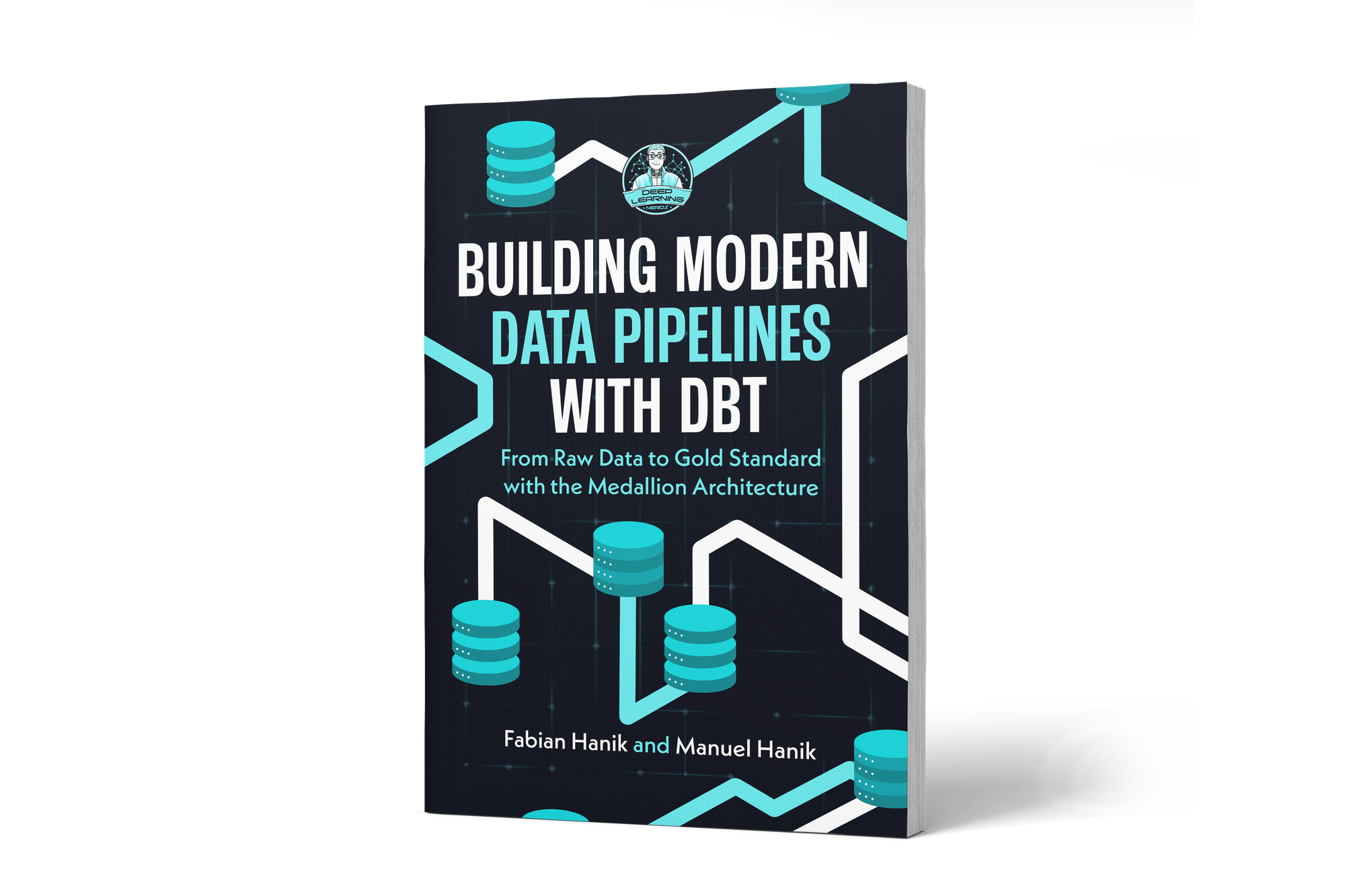
If you’d like to dive deeper into dbt (data build tool), our book Building Modern Data Pipelines with dbt: From Raw Data to Gold Standard with the Medallion Architecture provides a hands-on guide to designing modern data pipelines. It covers dbt’s core concepts and best practices, including building Bronze, Silver, and Gold layers with the Medallion Architecture. It also serves as a hands-on study guide for the dbt Analytics Engineering Certification.