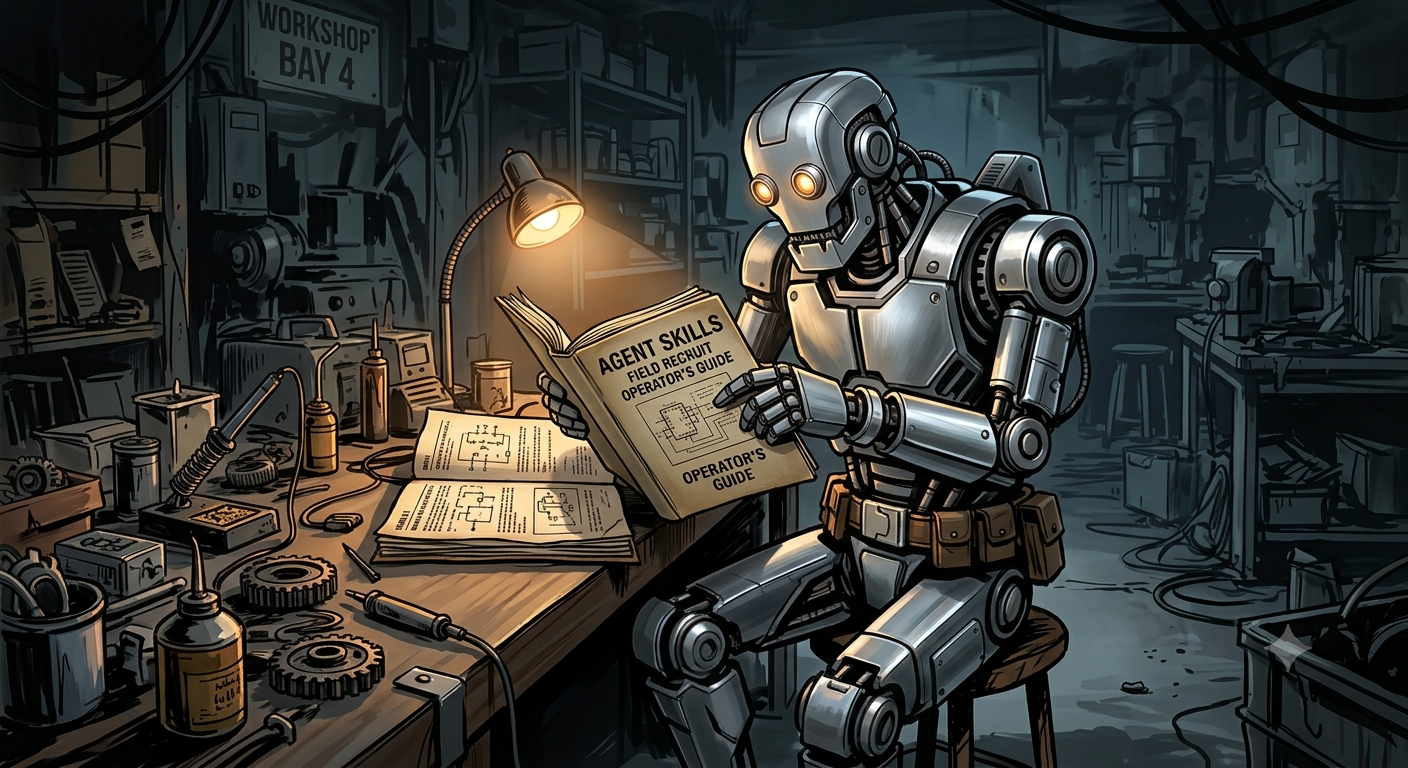
A beginner-friendly deep dive into Agent Skills, explaining what they are, why the whole industry adopted them, and how to start using them today.
I build enterprise AI systems for a living and recently went deep into the agentic AI space. This one cost me weeks of frustration before I found the fix, so I wrote it down.
If you've been building with AI agents, you've probably hit this wall.
You set up the agent, give it a clear task, and it just gets it wrong. It uses the wrong library, the wrong file path, or the wrong format. You fix it, run it again, and it finds a new way to fail.
The cycle is exhausting, and the worst part is that you cannot always tell whether the model is bad or whether you're doing something wrong.
Spoiler: you probably were not doing anything wrong.
There was a gap baked into how agents work, and for a long time nobody had a clean fix for it.
That fix now exists. It is called Agent Skills, and it is quietly becoming the standard across the AI industry.
AI models are trained on general knowledge consisting of vast amounts of text, code, and documentation. However, that training happened in a controlled environment that is completely separate from your setup.
Your environment has its own rules:
Which Python libraries are actually installed?
Which versions of those libraries are available?
Where should output files be saved?
What is the correct format for a specific file type?
The model does not know any of this.
So it guesses.
And guesses, even educated ones, lead to that painful loop:
try → fail → fix → try again
This is not a flaw in the model's intelligence. It is a structural gap. The model knows a lot about the world in general, but it knows nothing about your world specifically.
On October 16, 2025, Anthropic introduced a concept designed to bridge exactly that gap: Agent Skills.
The idea is almost disarmingly simple.
Before an agent does anything, it reads a how-to guide for your specific environment. That guide is called a Skill.
As Anthropic describes it:
"Building a skill for an agent is like putting together an onboarding guide for a new hire."
A new hire might be brilliant, but on day one they still need to know where things are, which tools the team uses, and how the company operates.
A Skill is exactly that onboarding document, written for an AI agent.
A Skill is simply a folder on your filesystem containing a file named SKILL.md.
That is it. Just a Markdown file.
skills/
└── report-generator/
    └── SKILL.md
SKILL.md---
name: report-generator
description: Use this skill when the user asks to generate a weekly report in .docx format.
---
## How to Generate Reports
Use the `python-docx` library. Version 1.1.2 is installed.
Save all output files to:
/home/user/outputs/reports/
Always include a timestamp in the filename:
report_YYYY-MM-DD.docx
Company logo location:
/assets/logo.png
## Common Pitfalls
Do not use `docx2pdf`. It is not installed in this environment.
Always save files to the `/outputs/` folder rather than the desktop.
No complex configuration is required.
No code is required.
Just structured knowledge written in plain English.
Agents do not load every skill into memory all the time because that would be slow and wasteful.
Instead, Anthropic designed Skills around progressive disclosure, which follows the same idea as a manual that begins with a table of contents, then moves into chapters, and finally reaches a detailed appendix.
Here is how it works:
At startup, the agent loads only the name and description of every available Skill. This requires very few tokens.
When you send a message, the agent checks whether any Skill description matches the task.
If a match is found, the agent loads the full SKILL.md file and uses it to guide its work.
Dozens of Skills can be installed with virtually no performance penalty.
The agent reads only what it needs, exactly when it needs it.
Two months after launch, on December 18, 2025, Anthropic published the Agent Skills specification as an open standard. The reference SDK is available through Agent Skills resources and tooling.
The industry reaction was immediate.
According to Anthropic Product Manager Mahesh Murag:
"Microsoft has already adopted Agent Skills within VS Code and GitHub; so have popular coding agents like Cursor, Goose, Amp, OpenCode, and more."
As of June 2026, Copilot Studio officially supports the same format, including the same SKILL.md structure, naming conventions, and progressive disclosure approach.
A Skill written for Claude Code today can work in Copilot Studio tomorrow.
The same file.
No conversion.
No rewrite.
Before this, every tool had its own format. Cursor had .cursorrules, Claude Code had a different system, and Copilot had separate instruction files.
None of those formats traveled well across platforms.
That fragmentation is now disappearing.
More than 30 tools, including Gemini CLI, AWS Kiro, Cursor, GitHub Copilot, and Copilot Studio, can work with the same SKILL.md format.
That almost never happens in technology.
If you already write detailed system prompts, you might wonder why Skills are necessary.
That is a fair question.
Prompts typically live inside your application code.
Skills live on your filesystem.
When something changes, such as a library version or a file path, you update one Skill file rather than searching through an entire codebase.
A finance-report agent and a customer-email agent can both use the same company-formatting Skill.
Write it once.
Use it everywhere.
If you switch from Claude Code to Copilot Studio, your Skills move with you.
Your prompts usually do not.
You can store a Skills library in version control and share it across your organization.
As a result, every agent behaves consistently rather than each developer maintaining separate instructions.
Open Settings → Skills
Click Create Skill
Describe what you want, and Claude helps build it
Alternatively, upload a folder containing your own SKILL.md
Anthropic also provides a partner directory with ready-made Skills from companies such as Atlassian, Figma, Canva, Notion, Stripe, and Zapier.
# Install from the marketplace
claude skills install anthropics/skills/docx

# Create your own skill
mkdir -p ~/.claude/skills/my-skill

# Place your SKILL.md file inside the folder
Go to the Skills tab within the agent builder.
Create a Skill from scratch or upload an existing SKILL.md.
Same file.
Different platform.
That is the entire point.
Agent Skills is not just a useful feature.
Its adoption pattern reveals something important about where the industry is heading.
When Anthropic released MCP as an open standard, it became a common way for agents to connect with external tools.
Agent Skills appears to be following a similar path, not because anyone mandated it, but because it is simple enough and useful enough that competitors adopted it voluntarily.
As Gartner analyst Arun Chandrasekaran put it:
"The industry is now moving beyond the models into, 'Hey, what can the models do on my behalf? How can the models orchestrate workflows?'"
The AI race is no longer just about whose model is the smartest.
It is increasingly about who builds the infrastructure that every model relies on.
Agent Skills is quietly becoming part of that infrastructure.
Agents guess environment-specific details, and those guesses lead to errors.
Agent Skills provide a Markdown-based how-to guide that agents read before taking action.
Progressive disclosure allows agents to load lightweight metadata at startup and retrieve full instructions only when needed.
Agent Skills launched in October 2025, became an open standard in December 2025, and are now supported by dozens of tools, including Copilot Studio, Cursor, GitHub Copilot, and Gemini CLI.
Create a SKILL.md file, document your environment's rules, and place it in your Skills directory.
Anthropic Engineering Blog — Equipping Agents for the Real World with Agent Skills
VentureBeat — Anthropic Launches Enterprise Agent Skills and Opens the Standard
The New Stack — Agent Skills: Anthropic's Next Bid to Define AI Standards
AI Business — Anthropic Launches Skills Open Standard for Claude
Microsoft GitHub Blog — Modern MCS Agent Skills: Here's How They Work
I'm an AI Engineer building enterprise AI systems and documenting what works, what breaks, and what I've learned along the way.
If you're interested in AI agents, GenAI, RAG systems, and practical AI engineering, consider following for future articles.