📘 Introduction
dbt snapshots help you keep track of changes in source data over time. They are especially useful when a source table overwrites records instead of storing historical versions.
We use the same dlnerds_university Medallion Architecture example project from previous dbt posts, so the project structure stays familiar.
In this tutorial, you will learn how to use dbt snapshots with a practical example. We will create a snapshot for student_raw, a raw source table in 01_bronze, and track changes with the recommended timestamp strategy.
The goal is simple: preserve historical versions of student records when values such as country change in the source table.
💡 What are we implementing?
We will implement this workflow:
student_raw -> student_snapshot -> historical student analysisThe source table student_raw contains the current version of each student. The snapshot table student_snapshot stores historical versions by adding dbt metadata columns such as dbt_valid_from and dbt_valid_to.
This is useful when you want to answer questions like: Which country was a student assigned to last month? When did a student record change? What was the previous value?
✅ Prerequisites
☑️ A working dbt project
☑️ Raw student data already loaded into the warehouse or local database
☑️ The raw source table defined in models/01_bronze/sources.yml
☑️ A reliable updated_at column in the source table
☑️ Basic knowledge of running dbt commands
🧱1️⃣ Understand the current project setup
For this tutorial, we start from a small excerpt of the dlnerds_university project:
dlnerds_university/
├── dbt_project.yml
├── models/
│   └── 01_bronze/
│       └── sources.yml
└── snapshots/
The snapshots folder is where we will add the snapshot definition.
🔎2️⃣ Check the Bronze source definition
Before creating the snapshot, make sure the raw source table is defined in models/01_bronze/sources.yml:
version: 2

sources:
  - name: bronze
    schema: 01_bronze
    tables:
      - name: student_raw
        description: Raw student data loaded into the Bronze layer.
        columns:
          - name: student_id
            description: Unique identifier of the student.
            data_tests:
              - not_null
              - unique
          - name: student_name
            description: Full student name.
          - name: country
            description: Current country of the student.
          - name: updated_at
            description: Timestamp when the source record was last updated.
The most important field for this tutorial is updated_at. dbt uses this column to detect whether a row changed when we use the timestamp strategy.
🧾3️⃣ Are dbt snapshots SQL files?
Yes, dbt snapshots can be SQL files. The older style uses a .sql file inside the snapshots folder with a snapshot block and a select statement.
{% snapshot student_snapshot %}

{{
    config(
        target_schema='snapshots',
        unique_key='student_id',
        strategy='timestamp',
        updated_at='updated_at'
    )
}}

select *
from {{ source('bronze', 'student_raw') }}

{% endsnapshot %}
In current dbt versions, the recommended approach for new snapshots is to define the snapshot in a YAML property file, for example snapshots/student_snapshot.yml. That is why this tutorial uses YAML for the implementation.
🎓 Want to go deeper with dbt?
If you want to understand dbt project structure, snapshots, models, and Medallion Architecture workflows in more detail, the Academy and the dbt book go deeper into hands-on dbt projects with practical examples.
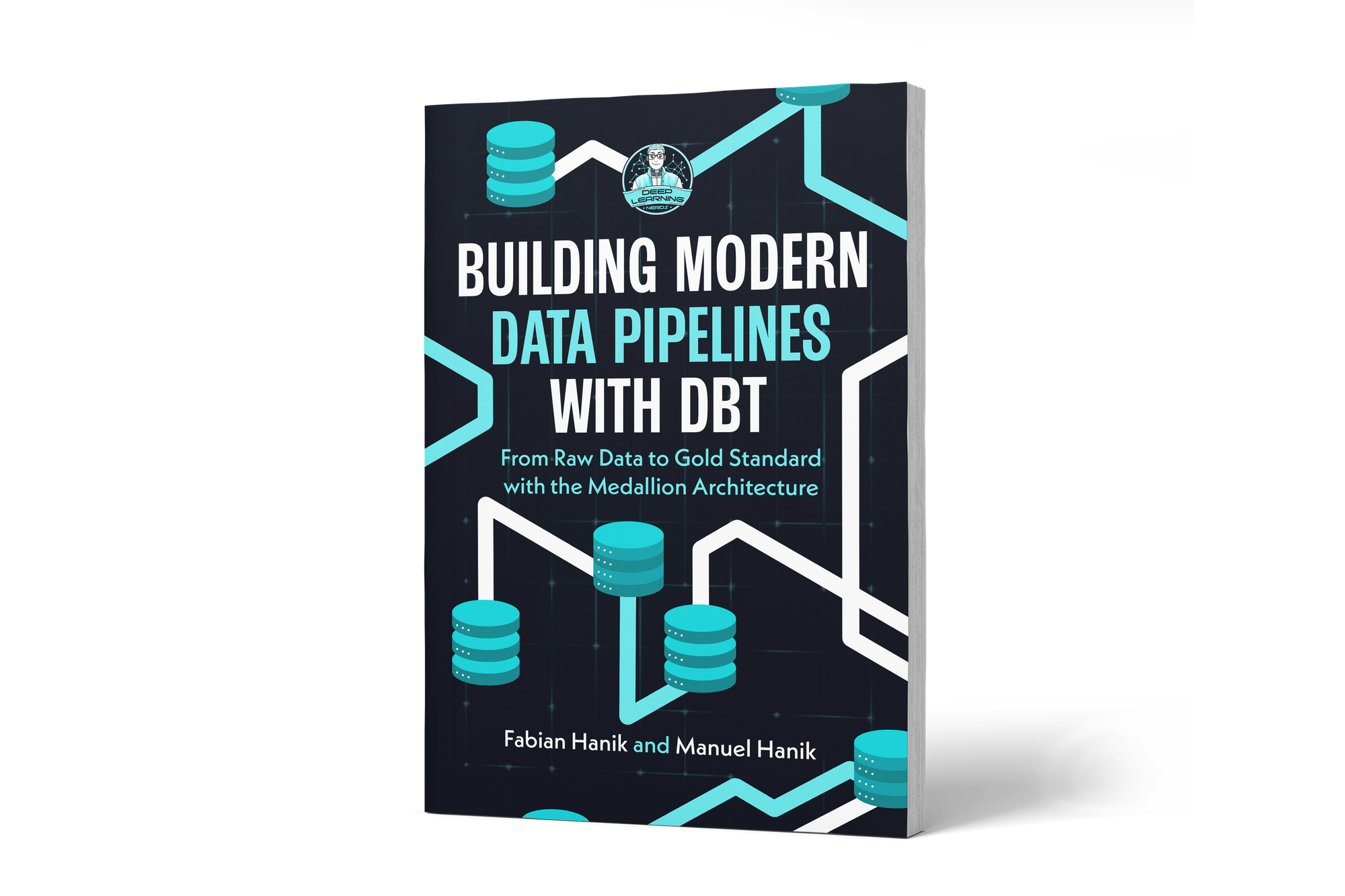
If you’d like to dive deeper into dbt (data build tool), our book Building Modern Data Pipelines with dbt: From Raw Data to Gold Standard with the Medallion Architecture provides a hands-on guide to designing modern data pipelines. It covers dbt’s core concepts and best practices, including building Bronze, Silver, and Gold layers with the Medallion Architecture. It also serves as a hands-on study guide for the dbt Analytics Engineering Certification.