
保留正文与补采附件。源页面当前未重新核验;具体限制见交付清单。
We use essential cookies to make our site work. With your consent, we may also use non-essential cookies to improve user experience and analyze website traffic. By clicking “Accept,” you agree to our website's cookie use as described in our Cookie Policy. You can change your cookie settings at any time by clicking “Preferences.”
Accept
Search ... Results See all results
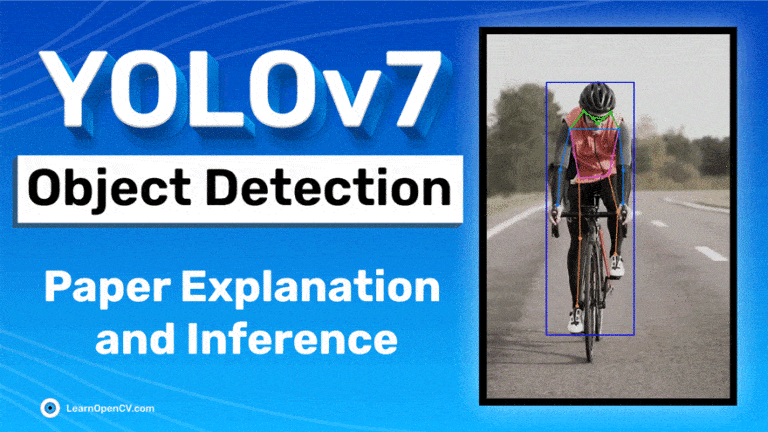
A technical review of YOLOv7 paper along with inference report. YOLOv7 Pose detection code included.
 0%
0%
YOLOv7 is a single-stage real-time object detector. It was introduced to the YOLO family in July’22. According to the YOLOv7 paper, it is the fastest and most accurate real-time object detector to date. YOLOv7 established a significant benchmark by taking its performance up a notch.
This article contains simplified YOLOv7 paper explanation and inference tests. We will go through the YOLOv7 GitHub repository and test inference. We will also see how YOLOv7 compares with other object detectors of the YOLO family.
| What will be covered in the post?
Unlock the full story behind all the YOLO models’ evolutionary journey: Dive into our extensive pillar post, where we unravel the evolution from YOLOv1 to YOLO-NAS. This essential guide is packed with insights, comparisons, and a deeper understanding that you won’t find anywhere else.
Don’t miss out on this comprehensive resource, Mastering All Yolo Models for a richer, more informed perspective on the YOLO series.
YOLO architecture is FCNN(Fully Connected Neural Network) based. However, Transformer-based versions have also recently been added to the YOLO family. We will discuss Transformer based detectors in a separate post. For now, let’s focus on FCNN (Fully Convolutional Neural Network) based YOLO object detectors. The YOLO framework has three main components.
The Backbone mainly extracts essential features of an image and feeds them to the Head through Neck. The Neck collects feature maps extracted by the Backbone and creates feature pyramids. Finally, the head consists of output layers that have final detections. The following table shows the architectures of YOLOv4, YOLOv4, and YOLOv5.
 Table1: Model architecture summary of YOLOv3, YOLOv4, and YOLOv5
Apart from architectural modifications, there are several other improvements. Go through the YOLO series for detailed information.
Table1: Model architecture summary of YOLOv3, YOLOv4, and YOLOv5
Apart from architectural modifications, there are several other improvements. Go through the YOLO series for detailed information.
YOLOv7 improves speed and accuracy by introducing several architectural reforms. Similar to Scaled YOLOv4, YOLOv7 backbones do not use ImageNet pre-trained backbones. Rather, the models are trained using the COCO dataset entirely. The similarity can be expected because YOLOv7 is written by the same authors as Scaled YOLOv4, which is an extension of YOLOv4. The following major changes have been introduced in the YOLOv7 paper. We will go through them one by one.
The architecture is derived from YOLOv4, Scaled YOLOv4, and YOLO-R. Using these models as a base, further experiments were carried out to develop new and improved YOLOv7.
The E-ELAN is the computational block in the YOLOv7 backbone. It takes inspiration from previous research on network efficiency. It has been designed by analyzing the following factors that impact speed and accuracy.
| The proposed E-ELAN uses expand, shuffle, and merge cardinality to achieve the ability to continuously enhance the learning ability of the network without destroying the original gradient path. |
| --- |
In simple terms, E-ELAN architecture enables the framework to learn better. It is based on the ELAN computational block. The ELAN paper has not been published yet when writing this post. We will update the post by adding ELAN details when available.
 Fig: E-ELAN and previous work on maximal layer efficiency
Different applications require different models. While some need highly accurate models, some prioritize speed. Model scaling is performed to suit these requirements and make it fit in various computing devices. While scaling a model size, the following parameters are considered.
NAS (Network Architecture Search) is a commonly used model scaling method. It is used by researchers to iterate through the parameters to find the best scaling factors. However, methods like NAS do parameter-specific scaling. The scaling factors are independent in this case.
The authors of the YOLOv7 paper show that it can be further optimized with a compound model scaling approach. Here, width and depth are scaled in coherence for concatenation-based models.
 Fig: YOLOv7 compound scaling
BoF or Bag of Freebies are methods that increase the performance of a model without increasing the training cost. YOLOv7 has introduced the following BoF methods.
Re-parameterization is a technique used after training to improve the model. It increases the training time but improves the inference results. Two types of re-parametrization are used to finalize models: Modellevel and Module level ensemble. Model level re-parametrization can be done in the following two ways.
Recently, Module level re-parameterization has gained a lot of traction in research. In this method, the model training process is split into multiple modules. The outputs are ensembled to obtain the final model. The authors in the YOLOv7 paper show the best possible ways to perform module-level ensemble (shown below).
 Fig: Re-parameterization trials
In the diagram above, The 3×3 convolution layer of the E-ELAN computational block is replaced with the RepConvlayer. Experiments we carried out by switching or replacing the positions of RepConv, 3×3 Conv, and Identity connection. The residual bypass arrow shown above is an identity connection. It is nothing but a 1×1 convolutional layer. We can see the configurations that work and the ones that do not. Check out more about RepConv in the RepVGG paper.
Including RepConv, YOLOv7 also performs re-parameterization on Conv-BN (Convolution Batch Normalization), OREPA(Online Convolutional Re-parameterization), and YOLO-R to get the best results. We will discuss the implementation part in a separate post.
Fig: Re-parameterization trials
In the diagram above, The 3×3 convolution layer of the E-ELAN computational block is replaced with the RepConvlayer. Experiments we carried out by switching or replacing the positions of RepConv, 3×3 Conv, and Identity connection. The residual bypass arrow shown above is an identity connection. It is nothing but a 1×1 convolutional layer. We can see the configurations that work and the ones that do not. Check out more about RepConv in the RepVGG paper.
Including RepConv, YOLOv7 also performs re-parameterization on Conv-BN (Convolution Batch Normalization), OREPA(Online Convolutional Re-parameterization), and YOLO-R to get the best results. We will discuss the implementation part in a separate post.
As you already know by now, YOLO architecture comprises a backbone, a neck, and a head. The head contains the predicted outputs. YOLOv7 does not limit itself to a single head. It has multiple heads to do whatever it wants. Interesting, isn’t it? However, it’s not the first time a multi-headed framework was introduced. Deep Supervision, a technique used by DL models, uses multiple heads**.** In YOLOv7, the head responsible for final output is called the Lead Head. And the head used to assist training in the middle layers is called the Auxiliary Head. With the help of anassistant loss , the weights of the auxiliary heads are updated. It allows for Deep Supervision, and the model learns better. These concepts are closely coupled with the Lead Head and the Label Assigner. Label Assigner is a mechanism that considers the network prediction results together with the ground truth and then assigns soft labels. It’s important to note that the label assigner generates soft and coarse labels instead of hard ones.
The Lead Head Guided Label Assigner encapsulates the following three concepts.
 The Lead Head in the YOLOv7 network predicts the final results. Soft labels are generated based on these final results. The important part is that the loss is calculated for both the lead head and the auxiliary head based on the same soft labels that are generated. Ultimately, both heads get trained using the soft labels. This is shown in the left image in the above figure.
One may ask here, “why soft labels?”. The authors have put it quite well in the paper:
“The reason to do this is that the lead head has a relatively strong learning capability. So the soft label generated from it should be more representative of the distribution and correlation between the source data and the target. By letting the shallower auxiliary head directly learn the information that the lead head has learned, the lead head will be more able to focus on learning residual information that has not yet been learned.”
Now, coming to the coarse-to-fine labels as shown in the right image in the previous figure. In the above process, two sets of soft labels are generated.
The Lead Head in the YOLOv7 network predicts the final results. Soft labels are generated based on these final results. The important part is that the loss is calculated for both the lead head and the auxiliary head based on the same soft labels that are generated. Ultimately, both heads get trained using the soft labels. This is shown in the left image in the above figure.
One may ask here, “why soft labels?”. The authors have put it quite well in the paper:
“The reason to do this is that the lead head has a relatively strong learning capability. So the soft label generated from it should be more representative of the distribution and correlation between the source data and the target. By letting the shallower auxiliary head directly learn the information that the lead head has learned, the lead head will be more able to focus on learning residual information that has not yet been learned.”
Now, coming to the coarse-to-fine labels as shown in the right image in the previous figure. In the above process, two sets of soft labels are generated.
The fine labels are the same as the directly generated soft labels. However, more grids are treated as positive targets to generate the coarse labels. This is done by relaxing the constraints of the positive sample assignment process.
All the YOLOv7 models surpass the previous object detectors in speed and accuracy in the range of 5 FPS to 160 FPS. The following figure gives a pretty good idea about the Average Precision(AP) and speed of the YOLOv7 models compared to the others.
 It is clear from the figure that starting from YOLOv7, there is no competition with YOLOv7 in terms of speed and accuracy.
Note: The results discussed further are from the YOLOv7 paper,where all the inference experiments were done on a Tesla V100 GPU. All AP results were done either on the COCO validation or test set.
It is clear from the figure that starting from YOLOv7, there is no competition with YOLOv7 in terms of speed and accuracy.
Note: The results discussed further are from the YOLOv7 paper,where all the inference experiments were done on a Tesla V100 GPU. All AP results were done either on the COCO validation or test set.
The following table shows the comparison of YOLOv7 models with other baseline object detectors.
 Table: YOLOv7 vs Other Baseline Models
The results shown above are mostly grouped together according to a range of parameters for a particular set of models.
Table: YOLOv7 vs Other Baseline Models
The results shown above are mostly grouped together according to a range of parameters for a particular set of models.
Starting with the YOLOv7-Tiny model, the smallest in the family with just over 6 million parameters. With a validation AP of 35.2%, it beats YOLOv4-Tiny models with similar parameters.
The YOLOv7 normal model with almost 37 million parameters gives 51.2% AP. It beats variants of YOLOv4 and YOLOR, which have more parameters easily.
The larger models in the YOLO7 family are YOLOv7-X, YOLOv7-E6, YOLOv7-D6, and YOLOv7-E6E. All of these beat the respective YOLOR models having either a similar or lesser number of parameters and giving APs of 52.9%, 55.9%, 56.3%, and 56.8%, respectively.
Now, it is not only the YOLOv4 and YOLOR models that YOLOv7 surpasses. Comparing the validation APs with that of the YOLOv5 and YOLOv7 models, which have parameters in the same range, it is pretty clear that YOLOv7 also beats all of the YOLOv5 models.
Table 2 in the YOLOv7 paper provides a comprehensive comparison of the FPS of YOLOv7 with other models. It also includes the COCO mAP comparison.
It is already established that the YOLOv7 has the highest FPS and mAP in the range of 5 FPS to 160 FPS. All the FPS comparisons were done on the Tesla V100 GPU.
 Table: YOLOv7 models FPS comparison
It is worth noting that none of the YOLOv7 models are meant for mobile devices/mobile CPUs(as mentioned in the YOLOv7 paper).
Table: YOLOv7 models FPS comparison
It is worth noting that none of the YOLOv7 models are meant for mobile devices/mobile CPUs(as mentioned in the YOLOv7 paper).
YOLOv7-Tiny, YOLOv7, and YOLOv7-W6 are meant for edge GPU, normal (consumer) GPU, and cloud GPU, respectively.
YOLOv7-E6 and YOLOv7-D6, and YOLOv7-E6E are also meant for high-end cloud GPUs only.
Nonetheless, all of the YOLOv7 models run at more than 30 FPS on the Tesla V100 GPU, which is more than real-time FPS. The experiments above prove that YOLOv7 models outperform the existing object detectors. Both in terms of speed and accuracy. ???????? Skip to Training YOLOv7: Training YOLOv7 on Custom Pothole Dataset Download Code To easily follow along this tutorial, please download code by clicking on the button below. It's FREE! [Download Code](javascript:void(0))
Now, let’s get into the exciting part of the blog post, that is, running inference on videos using YOLOv7. We will run the inference using the YOLOv7 and YOLOv7-Tiny models. Along with that, we will also compare the results with that of the YOLOv5 and YOLOv4 models.
| Note: All the inference results shown here were run on a machine with6 GB GTX 1060 (laptop GPU), 8th generation i7 CPU, and 16 GB of RAM. |
| --- |
If you intend to run object detection inference experiments on your own videos, you have to clone the YOLOv7 GitHub repository using the following command.
git clone https://github.com/WongKinYiu/yolov7.git
Then you can use the detect.py script to run inference on the videos of your choice. You will also need to download the yolov7-tiny.pt and yolov7.pt pre-trained model. Here, we will run inference on three videos depicting the following three different scenarios.
The YOLOv7 results here are shown together for the Tiny and Normal models for all three videos. This will help us compare the results for each of the results in an easy manner. Let’s check the detection inference results on the first video using the YOLOv7-Tiny (top) and YOLOv7 (bottom) models. The following commands were used to run the inference using the Tiny and Normal models.
python detect.py --source ../inference_data/video_1.mp4 --weights yolov7-tiny.pt --name video_tiny_1 --view-img
python detect.py --source ../inference_data/video_1.mp4 --weights yolov7.pt --name video_1 --view-img
YOLOv7-tiny YOLOv7-Normal We can see the limitations of the YOLOv7-Tiny model right away. It cannot detect cars, motorcycles, and persons who are very far off and small. The YOLOv7 model can detect these objects better. But that’s not the entire story. Although YOLO7-Tiny is not performing that well, it is much faster than YOLOv7. While YOLOv7 gave around 19 FPS, YOLOv7-Tiny ran it ataround 42 FPS, which is well above real-time. Now, let’s check out the results of the second video, which depicts a crowded scenario. We use the same command as above but change the values for the –source and –name flags depending on the video path and name. YOLOv7 tiny YOLOv7 Normal The YOLOv7 model can detect persons with less fluctuation and more confidence compared to the YOLOv7-Tiny model. Not only that, but YOLOv7-Tiny is also missing out on some of the traffic lights and people who are far away. Let’s run the inference on a final video that shows some general failure cases across all the YOLOv7 models. YOLOv7 tiny YOLOv7 Normal We can see some of the general mistakes across both models:
As we will see later, the above two mistakes are common across YOLOv4 and YOLOv5. Even though the YOLO7-Tiny makes more mistakes than the YOLOv7 model, it is much faster. On average, the YOLOv7-Tiny runs at more than 40 FPS, while the YOLOv7 model runs at slightly above 20 FPS.
The following three videos show the comparison between the YOLOv4, YOLOv5-Large, and the YOLOv7 model (top to bottom) on one of the videos. This will give us a proper qualitative idea of how each model performs across various scenarios.
YOLOv4
YOLOv5-Large
YOLOv7
And the following table shows the FPS and run times for different variants of the three models on the three videos.
 Table: YOLOv7 vs Other detectors inference speed chart
YOLOv7 is the first in the YOLO family to include a human pose estimation model. This is really interesting because there are very few real-time models out there.
Recently, the official repository also got updated with a pre-trained pose estimation model. Hence, we will not cover the details in this post. A dedicated article on the internals of the YOLOv7 Pose Estimation model will be published later. In this section, we will discuss the application part and observe how it works.
| [Update: 18/10/22]: We have kept our promise. Check out the detailed YOLOv7 Pose Estimation article here. |
| --- |
First, please ensure that you have cloned the YOLOv7 GitHub repository. Now, execute the following command within the cloned yolov7 directory to download the pre-trained pose estimation model.
wget https://github.com/WongKinYiu/yolov7/releases/download/v0.1/yolov7-w6-pose.pt
We will need a custom script to run pose estimation inference using the pre-trained model. Let’s write the code in a new yolov7_keypoint.py script inside the yolov7 directory.
import matplotlib.pyplot as plt
import torch
import cv2
import numpy as np
import time

from torchvision import transforms
from utils.datasets import letterbox
from utils.general import non_max_suppression_kpt
from utils.plots import output_to_keypoint, plot_skeleton_kpts

device = torch.device("cuda:0" if torch.cuda.is_available() else "cpu")
weigths = torch.load('yolov7-w6-pose.pt')
model = weigths['model']
model = model.half().to(device)
_ = model.eval()

video_path = '../inference_data/video_4.mp4'
We import all the required modules and load the pre-trained yolov7-w6-pose.pt model, and initialize a video_path variable for the path to the source video. If you intend to run this inference on your own videos, please change the video_path accordingly. Next, let’s read the video from the disk and create the VideoWriter object to save the resulting video on the disk.
cap = cv2.VideoCapture(video_path)
if (cap.isOpened() == False):
  print('Error while trying to read video. Please check path again')

# Get the frame width and height.
frame_width = int(cap.get(3))
frame_height = int(cap.get(4))

# Pass the first frame through `letterbox` function to get the resized image,
# to be used for `VideoWriter` dimensions. Resize by larger side.
vid_write_image = letterbox(cap.read()[1], (frame_width), stride=64, auto=True)[0]
resize_height, resize_width = vid_write_image.shape[:2]

save_name = f"{video_path.split('/')[-1].split('.')[0]}"
# Define codec and create VideoWriter object .
out = cv2.VideoWriter(f"{save_name}_keypoint.mp4",
                    cv2.VideoWriter_fourcc(*'mp4v'), 30,
                    (resize_width, resize_height))


frame_count = 0 # To count total frames.
total_fps = 0 # To get the final frames per second.
Finally, we have a while loop running through each frame in the video.
while(cap.isOpened):
  # Capture each frame of the video.
  ret, frame = cap.read()
  if ret:
      orig_image = frame
      image = cv2.cvtColor(orig_image, cv2.COLOR_BGR2RGB)
      image = letterbox(image, (frame_width), stride=64, auto=True)[0]
      image_ = image.copy()
      image = transforms.ToTensor()(image)
      image = torch.tensor(np.array([image.numpy()]))
      image = image.to(device)
      image = image.half()

      # Get the start time.
      start_time = time.time()
      with torch.no_grad():
          output, _ = model(image)
        # Get the end time.
      end_time = time.time()
      # Get the fps.
      fps = 1 / (end_time - start_time)
      # Add fps to total fps.
      total_fps += fps
      # Increment frame count.
      frame_count += 1

      output = non_max_suppression_kpt(output, 0.25, 0.65, nc=model.yaml['nc'], nkpt=model.yaml['nkpt'], kpt_label=True)
      output = output_to_keypoint(output)
      nimg = image[0].permute(1, 2, 0) * 255
      nimg = nimg.cpu().numpy().astype(np.uint8)
      nimg = cv2.cvtColor(nimg, cv2.COLOR_RGB2BGR)
      for idx in range(output.shape[0]):
          plot_skeleton_kpts(nimg, output[idx, 7:].T, 3)

          # Comment/Uncomment the following lines to show bounding boxes around persons.
          xmin, ymin = (output[idx, 2]-output[idx, 4]/2), (output[idx, 3]-output[idx, 5]/2)
          xmax, ymax = (output[idx, 2]+output[idx, 4]/2), (output[idx, 3]+output[idx, 5]/2)
          cv2.rectangle(
              nimg,
              (int(xmin), int(ymin)),
              (int(xmax), int(ymax)),
              color=(255, 0, 0),
              thickness=1,
              lineType=cv2.LINE_AA
          )

      # Write the FPS on the current frame.
      cv2.putText(nimg, f"{fps:.3f} FPS", (15, 30), cv2.FONT_HERSHEY_SIMPLEX,
                  1, (0, 255, 0), 2)
      # Convert from BGR to RGB color format.
      cv2.imshow('image', nimg)
      out.write(nimg)
      # Press `q` to exit.
      if cv2.waitKey(1) & 0xFF == ord('q'):
          break
  else:
      break
# Release VideoCapture().
cap.release()
# Close all frames and video windows.
cv2.destroyAllWindows()
# Calculate and print the average FPS.
avg_fps = total_fps / frame_count
print(f"Average FPS: {avg_fps:.3f}")
The above code:
Now, let’s execute the above code for YOLOv7 pose estimation.
python yolov7_keypoint.py
The following is the output. The results look pretty good given the high FPS that we get. But note that the 60 FPS that we get here is only for the forward pass of the model. The FPS will likely decrease if we include post-processing such as NMS (Non-Max Suppression), thresholding, and annotation. Still, it is impressively high.
With this, we conclude the introduction to YOLOv7. I hope you enjoyed reading the article. In summary, we have covered the following.
Big Vision takes computer vision projects through the full journey, not just the easy parts.
 Satya Mallick Founder - Big Vision & LearnOpenCV
Talk to our Team
Satya Mallick Founder - Big Vision & LearnOpenCV
Talk to our Team
Was This Article Helpful? Post Views: 97
If you liked this article and would like to download code (C++ and Python) and example images used in this post, please [click here](javascript:void(0)). In our newsletter, we share Computer Vision and AI tutorials and examples written in C++/Python, and Computer Vision and Machine Learning algorithms and news.
[ Download Example Code](javascript:void(0))
PrevPreviousYOLOv4 and Darknet For Pothole Detection NextMean Average Precision (mAP) in Object DetectionNext
Before a flight, I left Astra a short prompt and a signed-in Roboflow account. It
Learn a production model training playbook from PINTO’s face alignment project: reframe the task, engineer
How VGGT and VGGT-Ω work, what changed, and real benchmark numbers, speed, GPU memory, depth,
Founder - Big Vision & LearnOpenCV
Helping startups and enterprises build and deploy scalable solutions that work in the real world. Schedule a Call
Was This Article Helpful?
 3D Computer Vision3D ReconstructionSegmentationSpatialAI-DepthVideo Analysis
Adnan Shaikh July 18, 2026
3D Computer Vision3D ReconstructionSegmentationSpatialAI-DepthVideo Analysis
Adnan Shaikh July 18, 2026
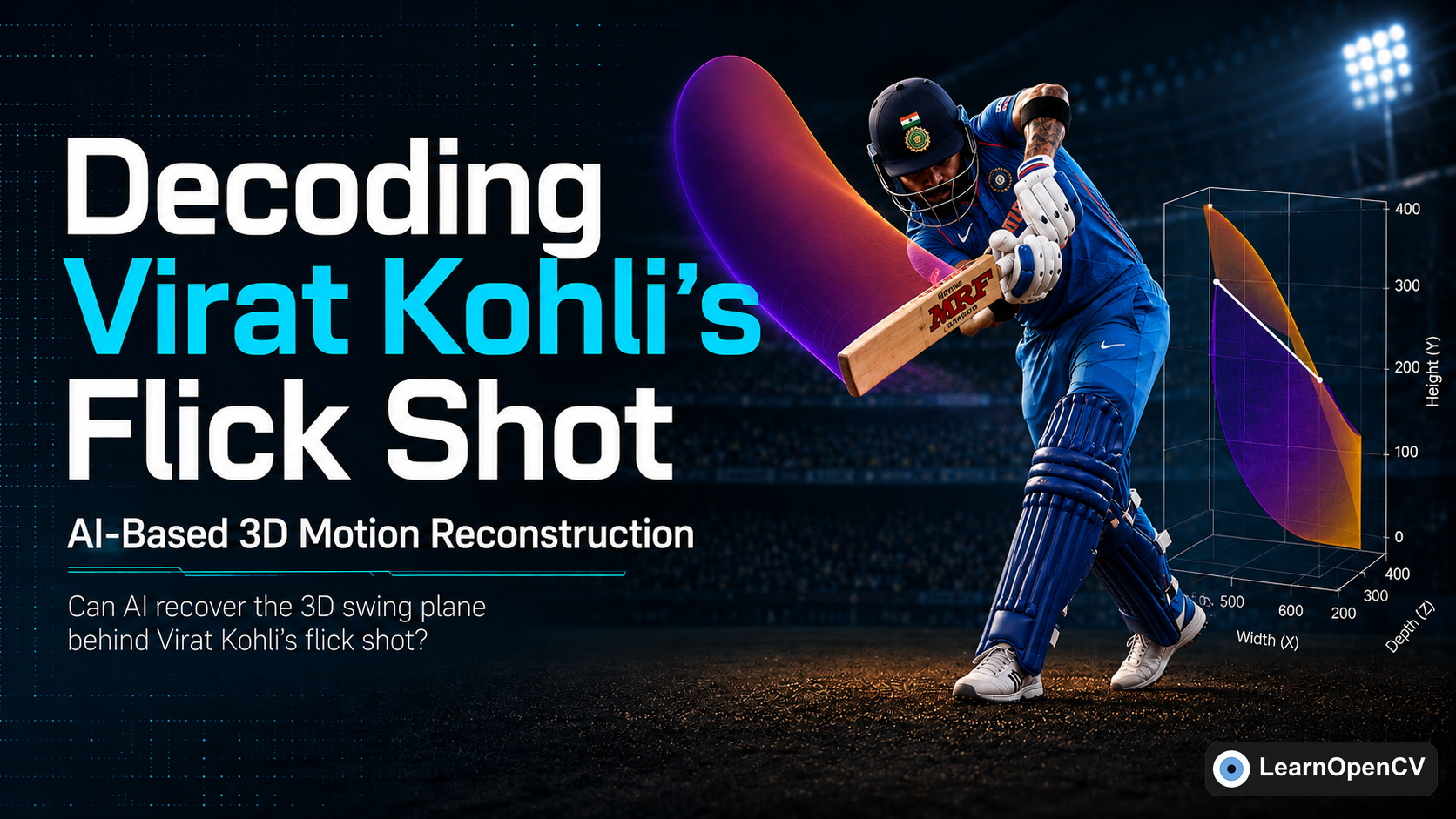
Reconstruct the 3D swing plane of Virat Kohli's flick shot from a single 2D video with off-the-shelf vision models. No…
 Object DetectionOpenCV 5OpenCV DNNYOLO
Sudip Chakrabarty July 9, 2026
Object DetectionOpenCV 5OpenCV DNNYOLO
Sudip Chakrabarty July 9, 2026
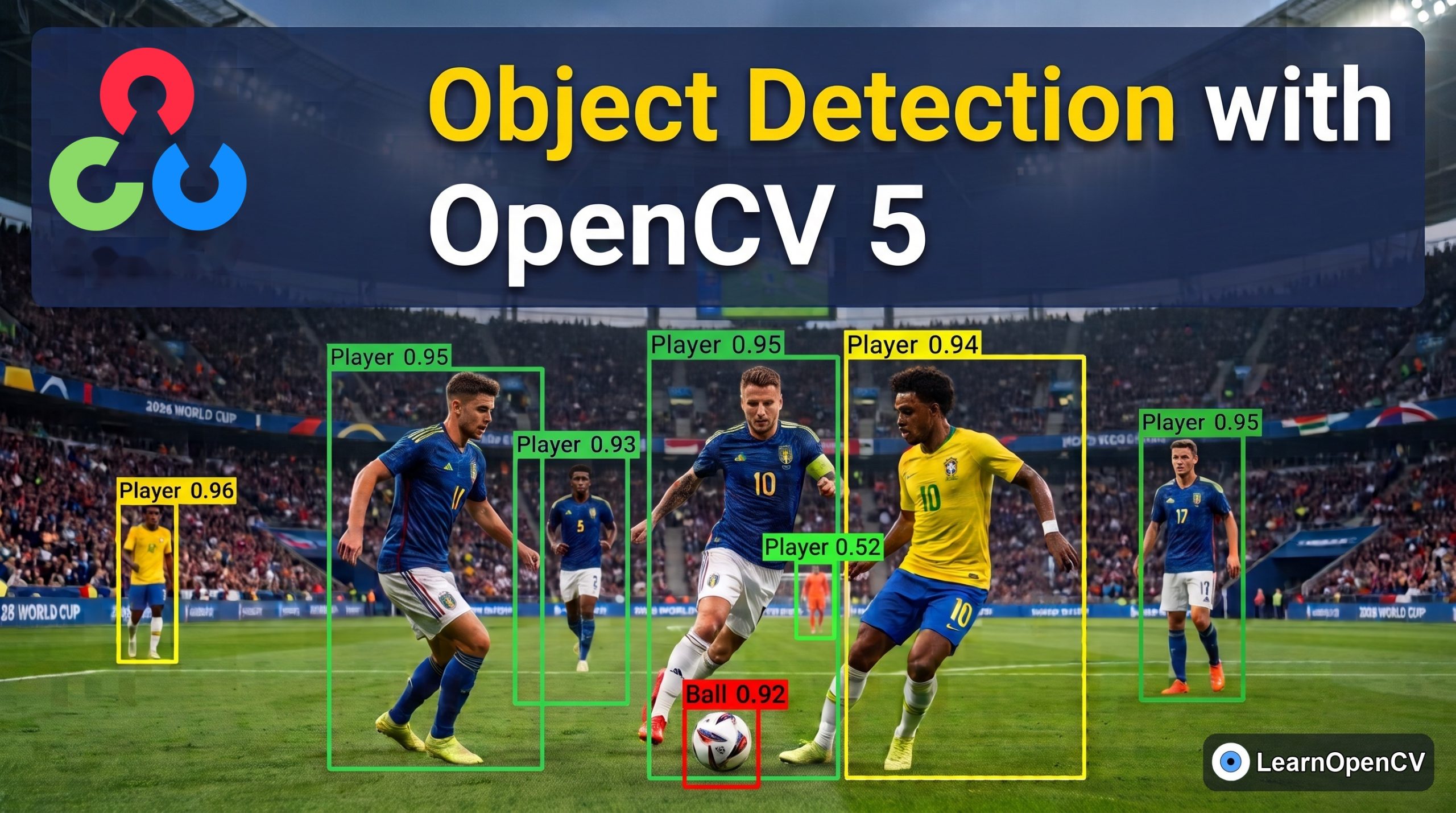
Learn about the new OpenCV 5 and how to use its DNN engine to run object detection models on the…
 Computer VisionObject DetectionYOLO
Sudip Chakrabarty June 18, 2026
Computer VisionObject DetectionYOLO
Sudip Chakrabarty June 18, 2026
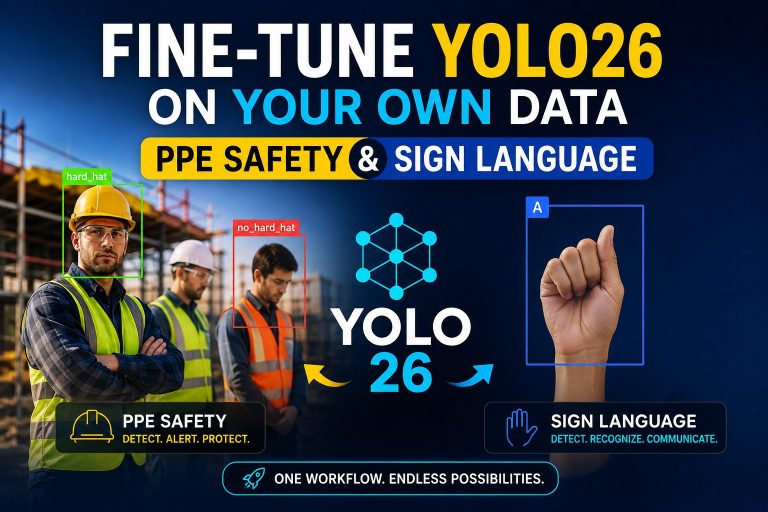
Learn how to fine-tune YOLO26 on your own data. We build a construction PPE safety detector and a sign-language reader…
Subscribe to our email newsletter to get the latest posts delivered right to your email.
Name
Email
Send
 Empowering innovation through education, LearnOpenCV provides in-depth tutorials, code, and guides in AI, Computer Vision, and Deep Learning. Led by Dr. Satya Mallick, we're dedicated to nurturing a community keen on technology breakthroughs.
Read More
Categories
Empowering innovation through education, LearnOpenCV provides in-depth tutorials, code, and guides in AI, Computer Vision, and Deep Learning. Led by Dr. Satya Mallick, we're dedicated to nurturing a community keen on technology breakthroughs.
Read More
Categories
Getting Started
Big Vision
Copyright © 2026 – BIG VISION LLC Privacy Policy Terms and Conditions
[  Click here to download the source code to this post ](javascript:void(0))