📘 Introduction
dbt clone helps you copy existing dbt-built objects from another environment into your current target schema. This is useful when you want realistic development or CI objects without rebuilding everything from scratch.
We use the same dlnerds_university Medallion Architecture example project from previous dbt posts, so the project structure stays familiar.
In this tutorial, you will learn dbt clone with a practical example. We will clone the Gold model dim_student from a production state into a development target schema.
The goal is simple: use the production version of dim_student as a ready-made object in Dev, then rebuild only the models you are actively changing.
💡 What are we implementing?
We will implement this workflow:
Production state -> dbt clone -> Dev schemaIn our example, the production object is prod.dim_student. After cloning, we get a corresponding object in the development target, for example dev.dim_student.
prod.dim_student -> dev.dim_studentThis can make development and CI workflows faster because dbt does not have to rebuild the full upstream dependency graph just to make an object available in Dev.
✅ Prerequisites
☑️ A working dbt project
☑️ A production dbt run with available artifacts
☑️ A production manifest.json available locally, for example in state/prod
☑️ A development target configured in your dbt profile
☑️ Permission to create relations in your development schema
🧱1️⃣ Understand the current project setup
For this tutorial, we use this relevant project excerpt:
dlnerds_university/
├── dbt_project.yml
├── models/
│   ├── 01_bronze/
│   │   └── sources.yml
│   ├── 02_silver/
│   │   ├── student_cleaned.sql
│   │   └── student_cleaned.yml
│   └── 03_gold/
│       ├── dim_student.sql
│       └── dim_student.yml
└── state/
    └── prod/
        └── manifest.json
The important file for dbt clone is state/prod/manifest.json. This artifact tells dbt what existed in the production state.
We will clone dim_student from that production state into the current target schema.
🧭2️⃣ Understand local files, Production, and Dev
There are three different things in this tutorial, and they should not be mixed up:
Local dbt project file:
models/03_gold/dim_student.sql

Production relation:
prod.dim_student

Development relation:
dev.dim_student
The local file models/03_gold/dim_student.sql should exist so dbt knows that there is a model called dim_student.
The Production relation prod.dim_student must already exist and must be represented in the Production manifest.json.
The Development relation dev.dim_student does not need to exist before running dbt clone. This is the relation dbt creates in your Dev target.
🧭3️⃣ Understand the basic clone command
The basic command looks like this:
dbt clone --select dim_student --state state/prodThis tells dbt:
- select the model
dim_student - look at the production state in
state/prod - create the selected object in the current target schema
If your current target is dev, the clone is created in Dev. It does not write back to Production.
🎓 Want to go deeper with dbt?
If you want to understand dbt project structure, state artifacts, deferral, clone workflows, and Medallion Architecture in more detail, the Academy and the dbt book go deeper into hands-on dbt projects with practical examples.
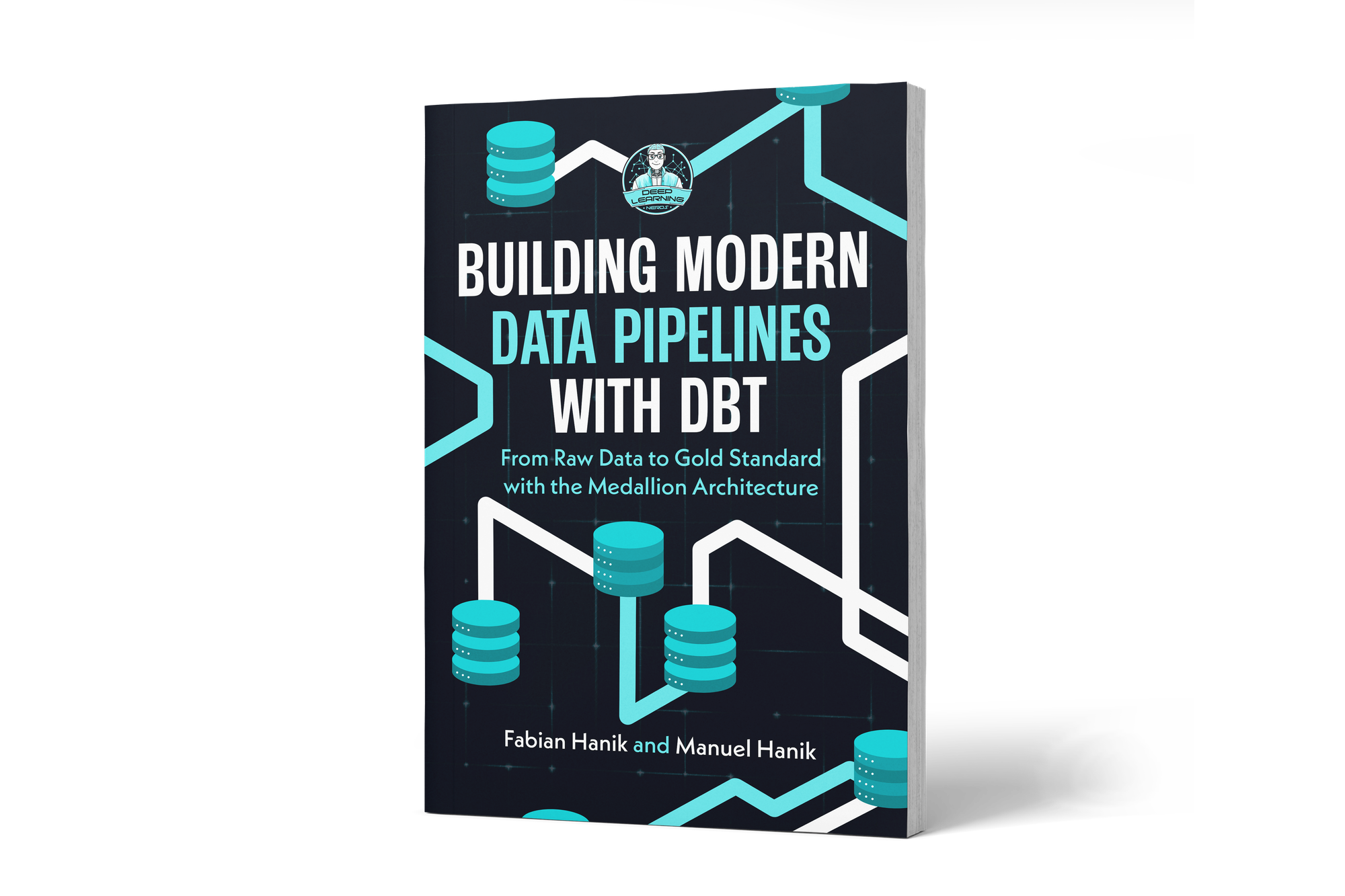
If you’d like to dive deeper into dbt (data build tool), our book Building Modern Data Pipelines with dbt: From Raw Data to Gold Standard with the Medallion Architecture provides a hands-on guide to designing modern data pipelines. It covers dbt’s core concepts and best practices, including building Bronze, Silver, and Gold layers with the Medallion Architecture. It also serves as a hands-on study guide for the dbt Analytics Engineering Certification.